Home / Driver Files
Keep renewal dates
in view.
Driver document expiry tracking for US and Canadian fleets, with the source records close at hand.
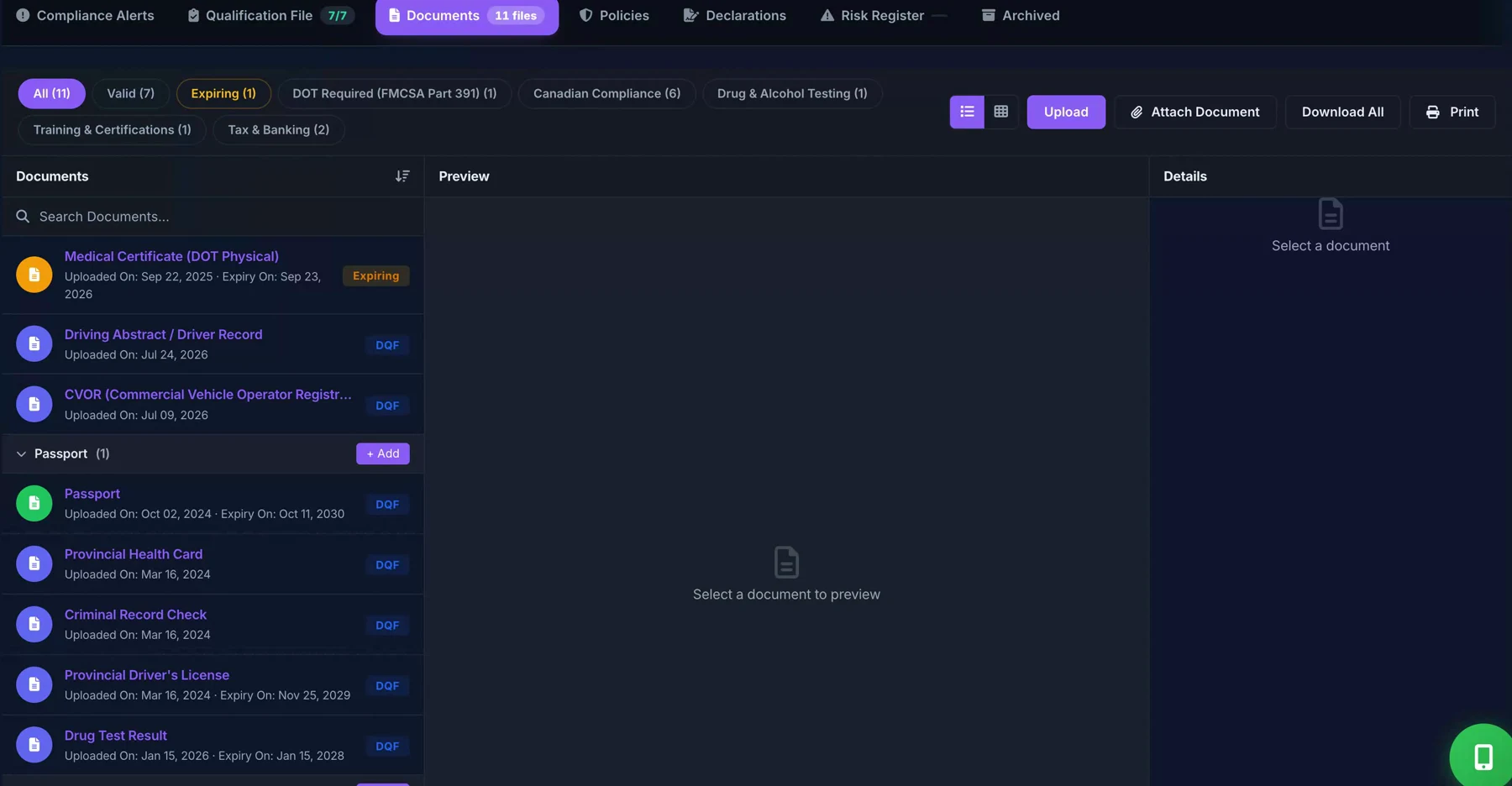
From a date to a follow-up
- Open the driver record and review the stored document date.
- Check the source document before changing a date.
- Follow up on a renewal and review the updated record.
- Confirm reminder recipients, channels, and permissions during setup.
Expiry is different from review
Some records have an expiry date; others need a periodic review or replacement based on your requirements. Keeping a document on file does not establish that it is current, complete, or sufficient for your jurisdiction.
Read the related workflow guide · Canadian driver-file resources
Included in the core Driver Files plans
Document dates and expiry tracking are included in the published Driver Files plans. See what is included and what needs separate confirmation.