See the document beside its details.
Open a driver record, choose a document, and review the file alongside its stored information. The document list keeps related records close at hand.
Explore this workflow ↗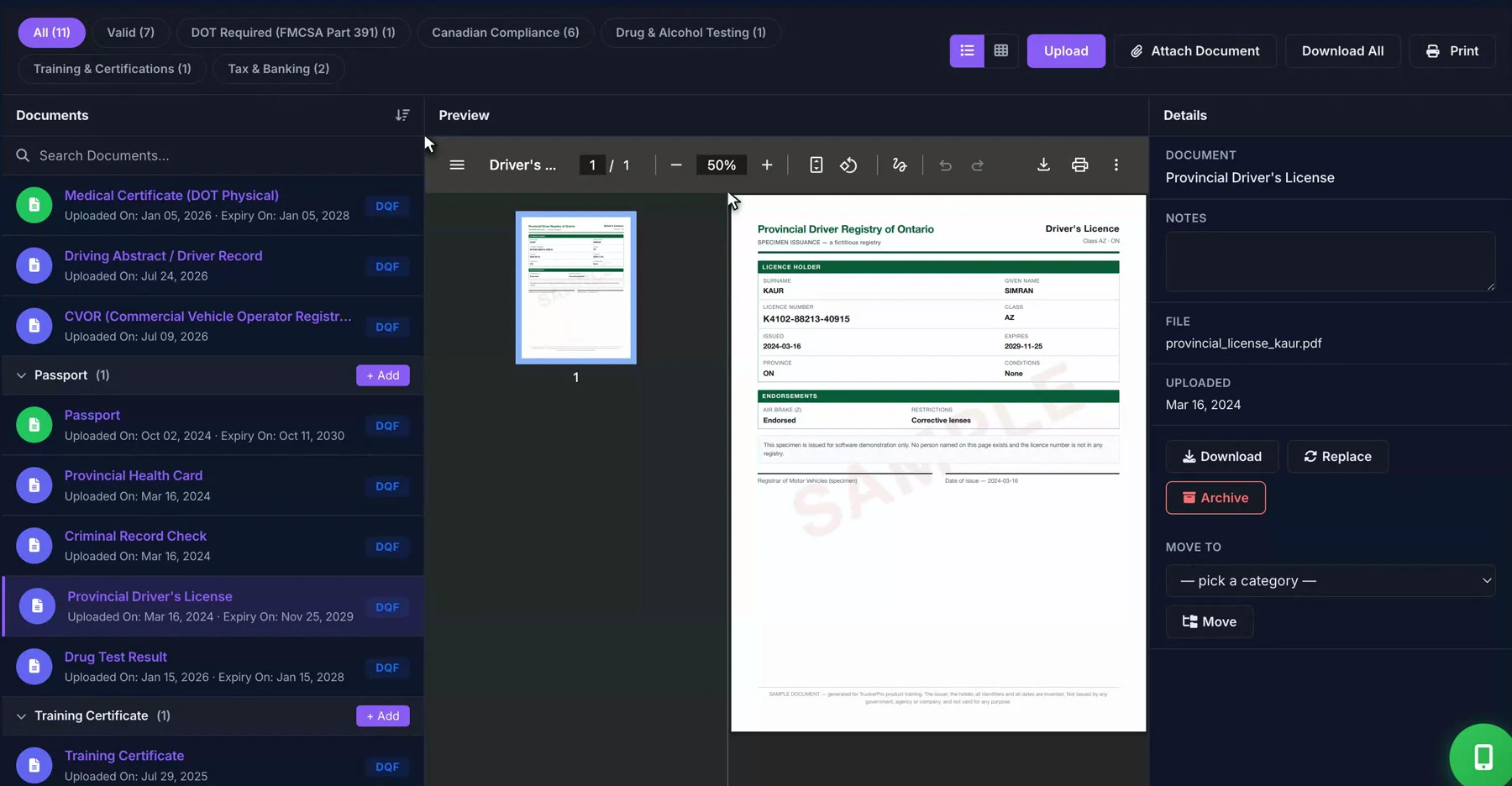
A self-guided tour of documents, renewal dates, and file preparation. No video or account required.
Open a driver record, choose a document, and review the file alongside its stored information. The document list keeps related records close at hand.
Explore this workflow ↗Review expiry dates and the records that need attention. Confirm the source document, arrange the renewal, and keep the driver record up to date.
Explore this workflow ↗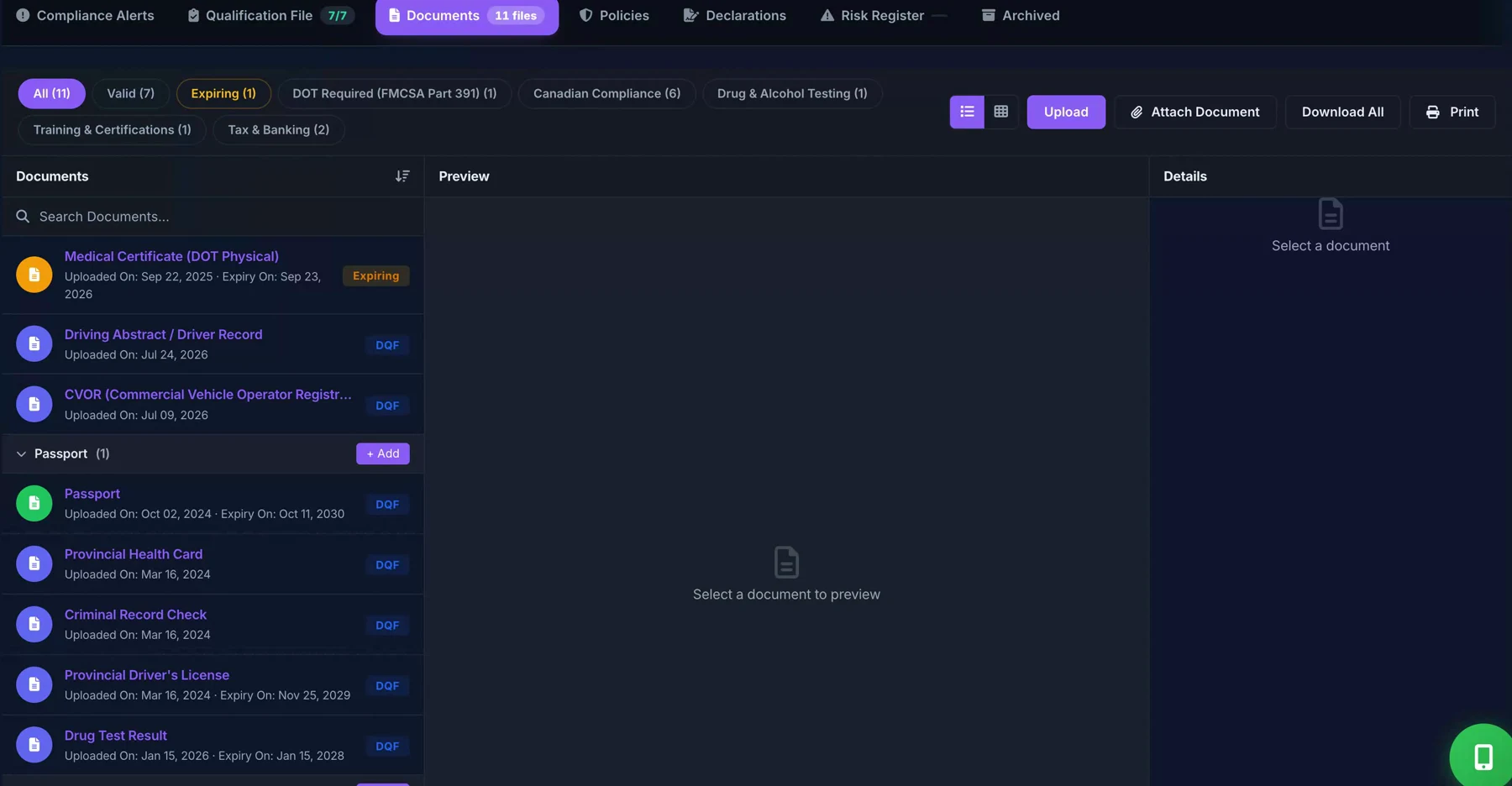
Download available documents or prepare a print bundle for your review. Check the document selection, completeness, and access permissions before sharing.
Explore this workflow ↗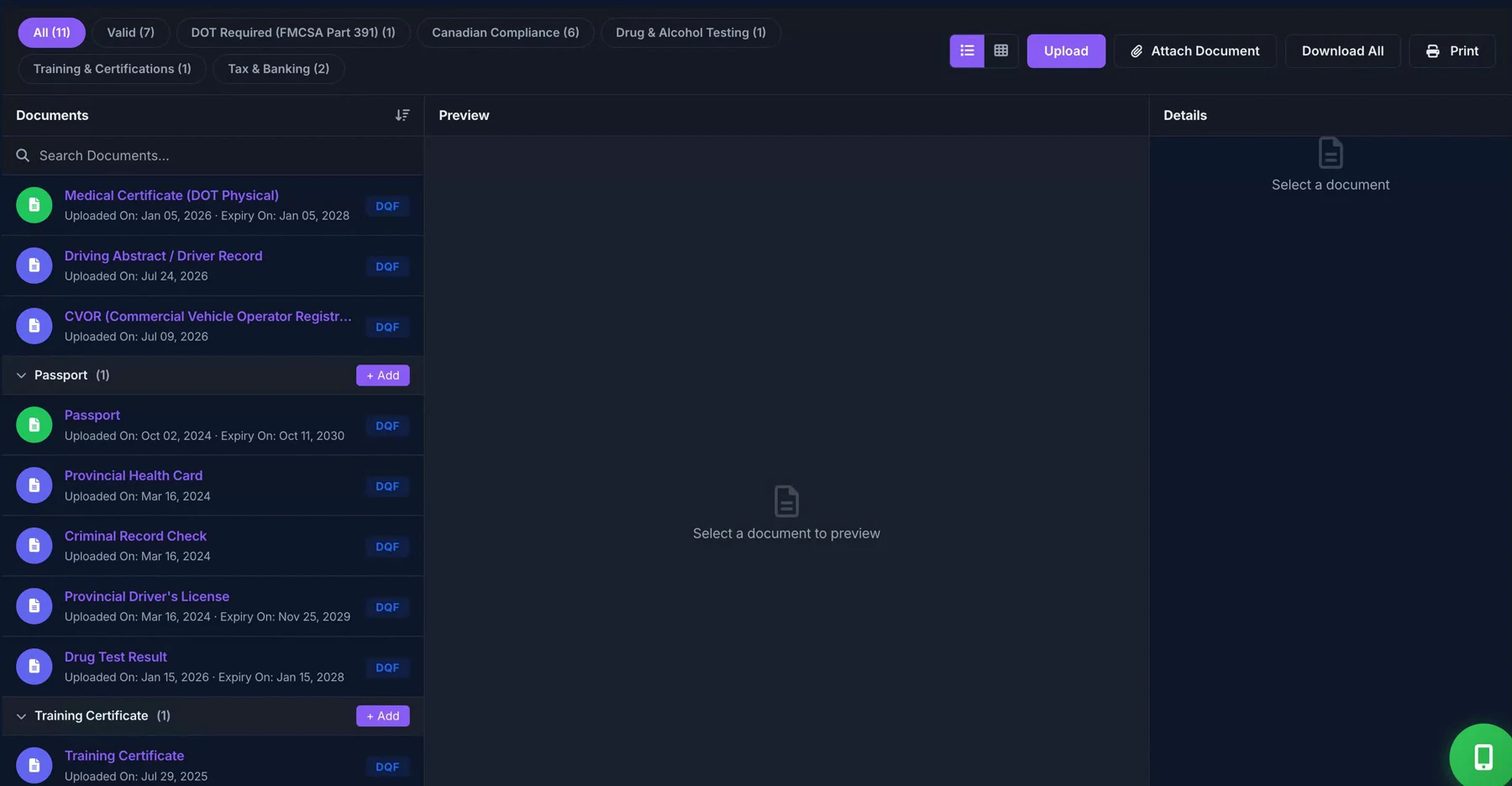
The sample company and people are fictional. Document status is a workflow aid, not a determination of legal compliance. Check plan inclusions for separate services.