Home / Driver Files
Prepare the file.
Review before sharing.
Download and print available driver documents when your safety team needs to review the file.
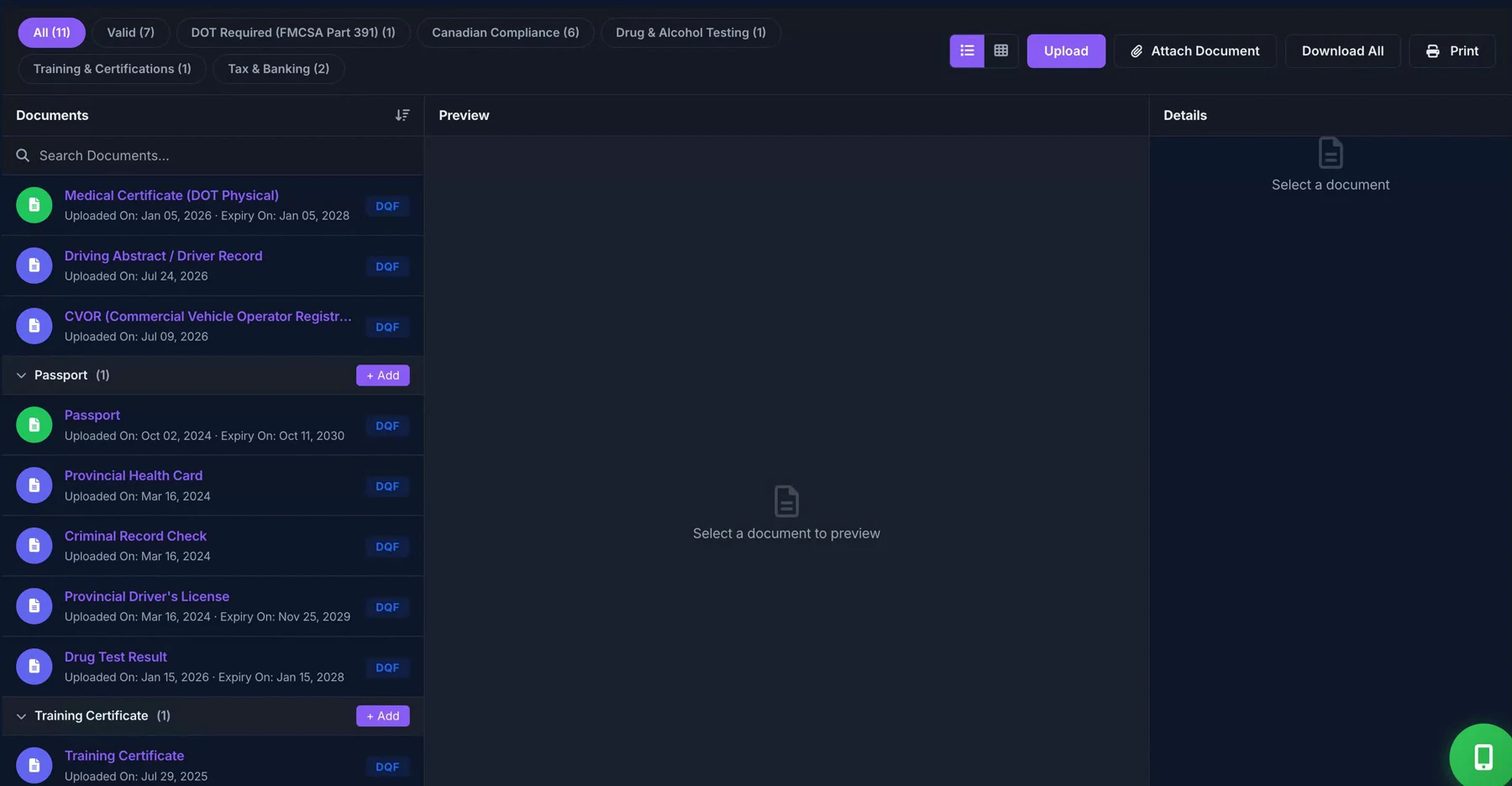
From stored records to a review bundle
- Open the relevant driver record.
- Review which documents are available and appropriate to include.
- Use the file download or print workflow to prepare the records.
- Check the output before providing it to an authorized reviewer.
A bundle is a starting point for review
An export contains available records. It does not fill gaps in the file or establish regulatory compliance. Review the required document list and limit sensitive information to the people who need it.
Read the related workflow guide · Canadian driver-file resources
Included in the core Driver Files plans
File download and print workflows are included in the published Driver Files plans. See what is included and what needs separate confirmation.